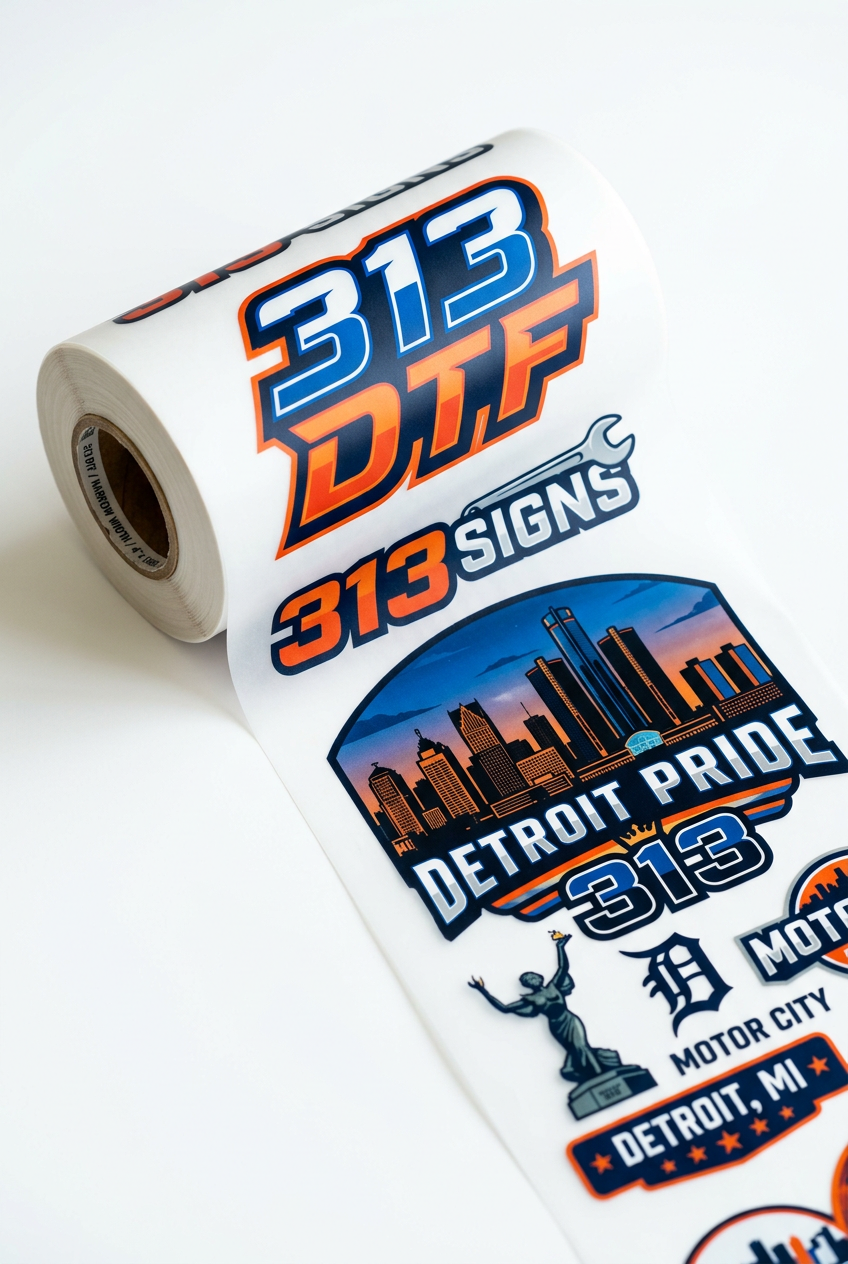
Create Your Rolling DTF Gangsheet
Create Your Rolling DTF Gangsheet
Build a gangsheet with your images. make sure you check your sizes, image quality and psi quality (300 psi recommended). The price and sheet auto adjust per foot! The more you print, the more you save!
If you have a gangsheet already built per specifications, upload here.
Build Your Rolling DTF Gang Sheet
Turn your logos, artwork and custom designs into vibrant, heat-press-ready transfers with 313 DTF. Arrange multiple designs on one rolling gang sheet for your T-shirts, hoodies, uniforms, tote bags and more. Build a sheet for your next project or organize designs for several customers in one layout.
Starting at $20
Start with a 22 × 12-inch gang sheet for $20. As you add more designs and extend your sheet length, your average cost per foot decreases, giving you better value on longer sheets. The total price increases with sheet length; review your final layout and displayed price before checkout.
How the Rolling Gang-Sheet Builder Works
- Upload your individual designs into the builder.
- Set each design to the width and height you want printed, then arrange your artwork within the 22-inch-wide sheet.
- The rolling sheet accommodates additional artwork along its length, up to the available maximum. This product offers sheet lengths from 12 to 120 inches in 2-inch increments.
- Review the full layout, sheet length and displayed price before adding your sheet to the cart. Pricing is based on the billable sheet length, including the minimum length and length increments, not simply the amount of ink used.
- Check your order details and complete checkout. Your transfers arrive ready for you to cut apart and heat press.
If you already have a completed gang sheet, use the ready-made gang-sheet upload option where available. Keep your finished layout at the intended print size and recheck its dimensions after upload.
Artwork Requirements & Image Quality
- Preferred resolution: 300 DPI at the final printed size. DPI refers to image resolution; PSI is a pressure measurement.
- Use your highest-quality original artwork. Blurry, pixelated or low-resolution files can produce blurry, pixelated prints. Enlarging an image or changing its DPI label does not restore missing detail.
- PNG files with transparent backgrounds are recommended. Remove any background you do not want printed before uploading.
- After uploading, recheck every design's width AND height. Confirm the measurements are in inches and match the size you want on the garment. Do not assume the uploaded size is correct.
- Keep the correct proportions when resizing to avoid stretching or distorting your artwork.
- Check spelling, design quantity, spacing, placement, backgrounds and the entire sheet layout before checkout. Leave room between designs so you can cut them apart.
- Submit print-ready artwork. We print the files supplied; artwork cleanup, background removal and design corrections are not automatically included. Contact us before ordering if you need help.
Print quality starts with file quality. Please review your artwork carefully before submitting it. Our existing artwork guidance states that customers are responsible for checking their files and supplying the correct artwork, dimensions and information needed for printing.
How to Apply Your DTF Transfers
Use a heat press for consistent heat and firm pressure. These instructions are for apparel DTF transfers, not UV DTF stickers. Always follow any transfer-specific instructions supplied with your order if they differ, and test a new fabric before a full production run.
- Pre-press the garment for 5 seconds to remove moisture.
- Position the transfer image-side up on the garment.
- Press at 320°F for 6 seconds with firm pressure. (some machines may vary.)
- Peel warm or cold according to the instructions supplied with your transfer.
- Cover the design with parchment paper and repress for 3 seconds.
DTF can be applied to cotton, polyester and many blends. Confirm the garment can tolerate the application temperature and test unfamiliar materials first.
Need Help Before Uploading?
Call 313-474-1941 for help with artwork, sizing or choosing your ordering option. Local pickup in Detroit and nationwide shipping are available.